


74,77€
Auf Lager
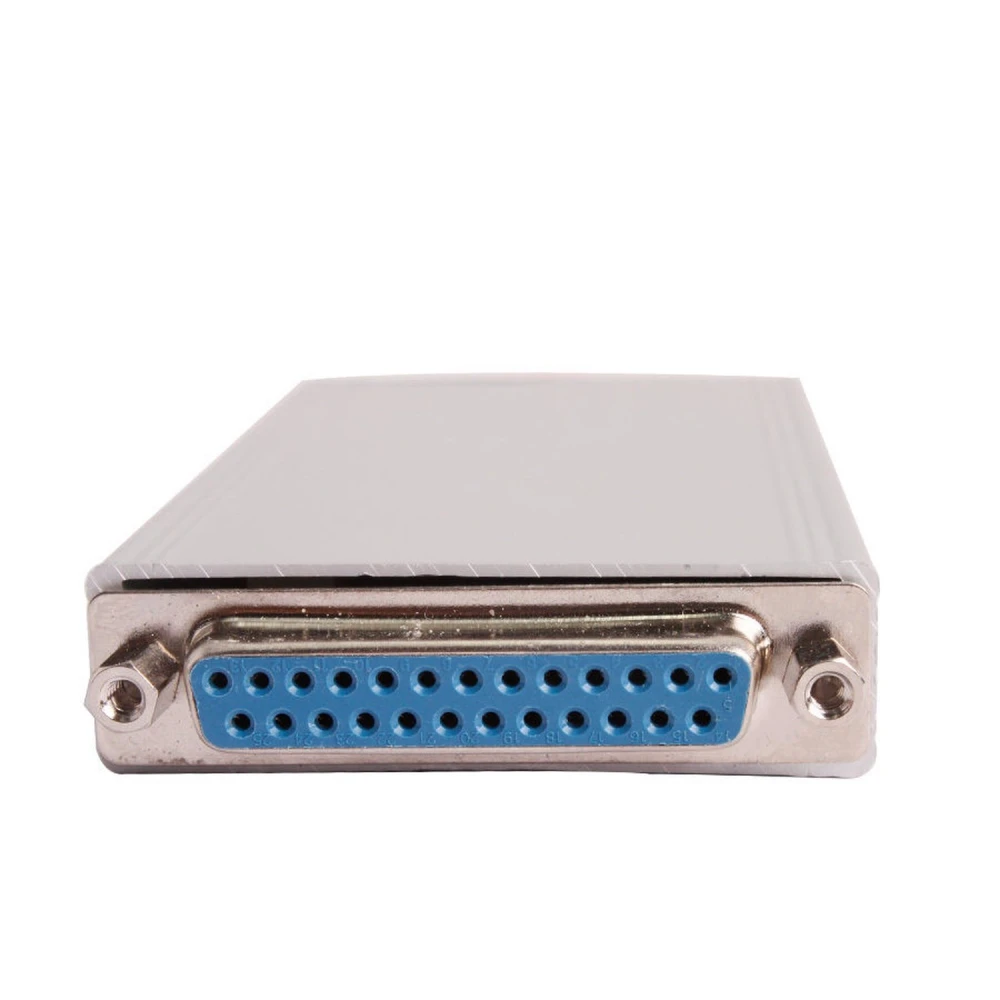
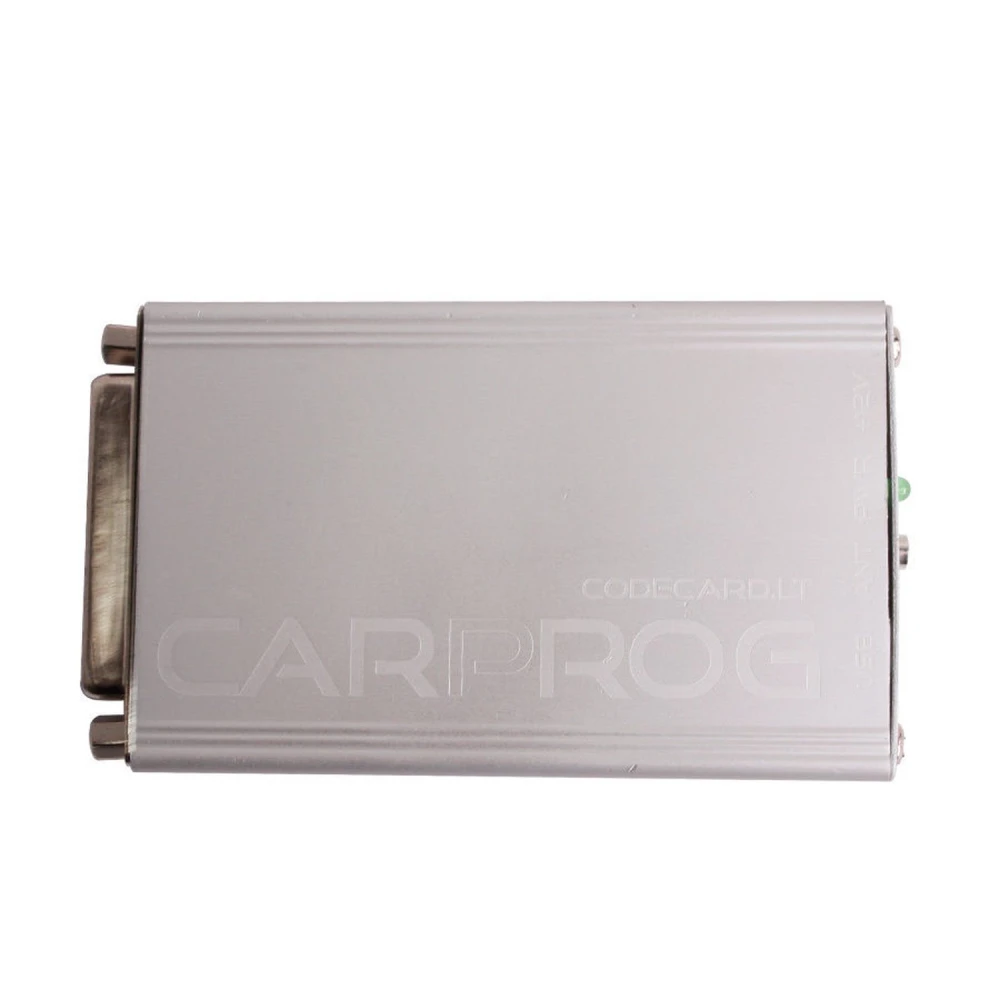
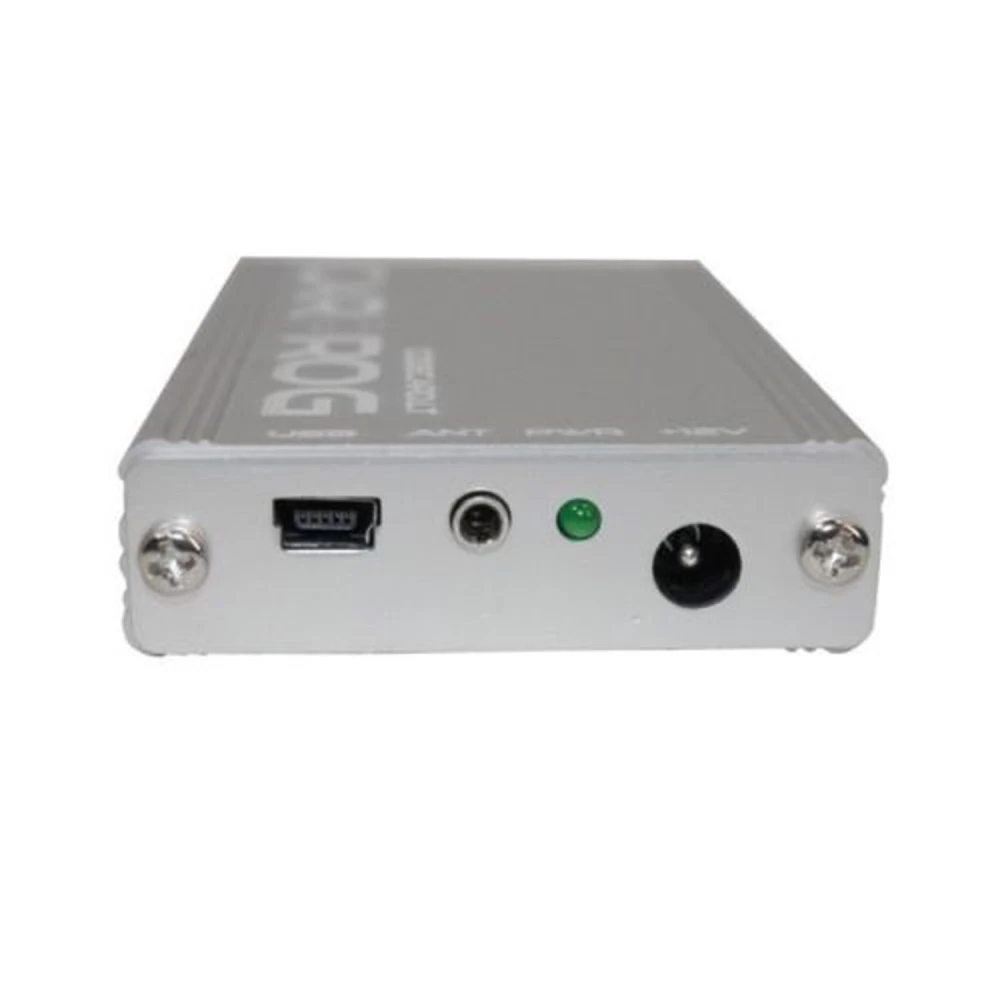

New Full Version Carprog V10.05 mit 21 kompletten Adaptern für Autos
Marke: satkit
74,77€
Inkl. MwSt. (Exkl. MwSt.: 62,83€)
Nur noch 4 auf Lager - jetzt bald bestellen!
Standardlieferung
Mi, Apr 22 - Fr, Apr 24
Expresslieferung
Mo, Apr 20 - Di, Apr 21
30 Tage Rückgaberecht
Kostenlose Rücksendung innerhalb von 30 Tagen
Sichere Transaktion


Share:
Kostenlose Lieferung
Bei Bestellungen ab 300€
Einfache Rücksendung
30 Tage Rückgaberecht
Sichere Zahlung
100% sicherer Checkout
Qualitätsgarantie
Nur Originalprodukte
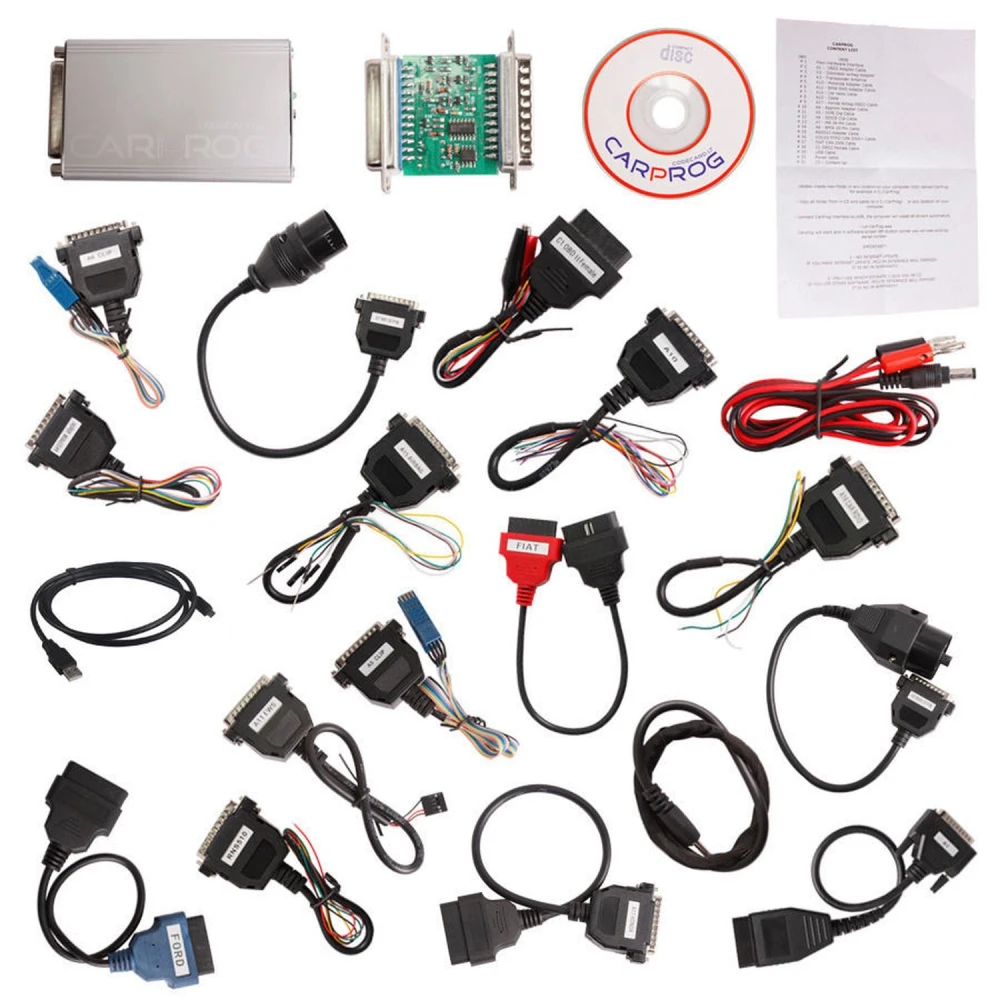
New Full Version Carprog V10.05 mit 21 kompletten Adaptern ist ein fortschrittliches Werkzeug für Profis und Hobbyanwender in der Fahrzeugdiagnose. Diese Version enthält die neueste Hardware und ein komplettes Adapterset, mit dem wichtige Funktionen wie Airbag-Reset, ECU-Programmierung, Lesen und Schreiben von EEPROM sowie Radio-Decodierung und weitere Aufgaben durchgeführt werden können.
Hauptmerkmale:
- Neueste Version: V10.05 mit Unterstützung für 21 komplette Adapter.
- Kompatibel mit mehreren Funktionen: K-Leitung-Diagnose, CAN-Bus, Mikrocontroller-Programmierung und mehr.
- Unterstützung für Airbag-Reset bei verschiedenen Marken: Audi, BMW, Mercedes Benz, Ford, Renault, Peugeot, Honda, Toyota, Volvo und viele mehr.
- ECU-Programmierung und -Auslesen für Opel-Fahrzeuge, mit Unterstützung für Bosch ME1.5.5, Siemens SIMTEC71, Delco Diesel und weitere.
- Funktionen für die Programmierung von Kombiinstrumenten und den Kilometerstand-Änderung bei VAG-, Ford-, VW- und anderen Fahrzeugen.
- Radio- und Navigations-Decodierung für Marken wie Audi, VW, Seat, Skoda, Renault und Philips.
- Software kompatibel mit Windows XP und neueren Versionen, ohne Installation erforderlich.
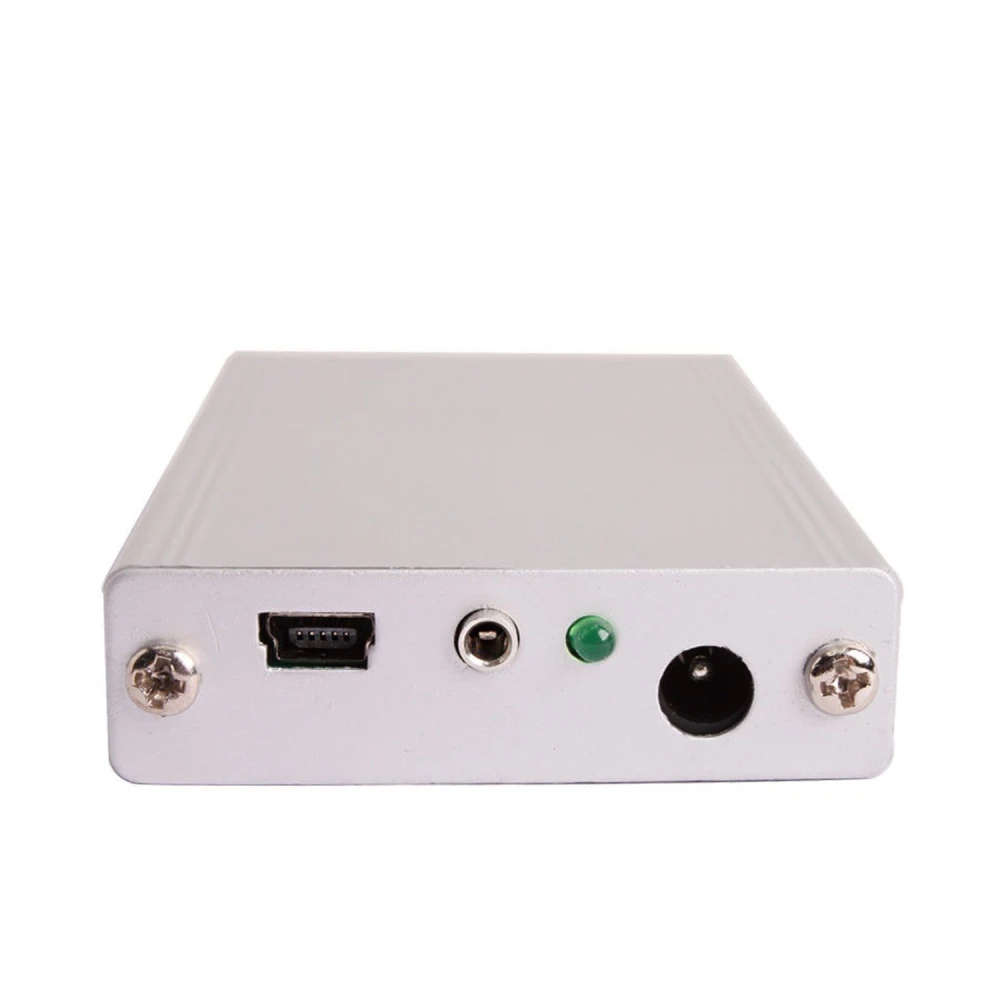
- USB-Schnittstelle für den direkten Anschluss an den PC, mit Stromversorgung über USB.
Enthaltene Adapter:
- Carprog Hauptschnittstelle.
- OBD2-Adapterkabel mit Schaltern für K-Leitung und CAN-Bus.
- Odometer-Airbag-Adapter für die Programmierung von Kombiinstrumenten und Airbags.
- Transponder-Antenne für Immo-Software.
- Adapterkabel für Motorola MCU, BMW EWS, Autoradios und mehr.
- Kabel für EEPROM-Programmierung, DIP8- und SOIC8-Clips.
- Spezifische Kabel für Marken wie Honda, Mercedes Benz, Volvo, Fiat, Subaru, Toyota und andere.
- USB-Kabel und Stromkabel.
- CD mit Software und Schaltplänen der Adapter.
Typische Anwendungen:
- Airbag-Reset nach Unfällen für mehrere Marken und Modelle.
- Programmierung und Reparatur von ECU und elektronischen Modulen in Fahrzeugen.
- Lesen und Schreiben von EEPROM zur Reparatur und Datenänderung.
- Decodierung von Radios und Navigationssystemen zum Wiederherstellen von Codes und Funktionen.
- Programmierung von Kombiinstrumenten und Anpassung von Kilometerständen bei kompatiblen Fahrzeugen.
Kompatibilität: Kompatibel mit einer breiten Palette europäischer und asiatischer Fahrzeuge, darunter Audi, BMW, Mercedes Benz, Ford, Opel, Renault, Peugeot, Citroen, Honda, Toyota, Volvo, Mitsubishi, Nissan, Kia, Hyundai, Saab, Subaru, Alfa Romeo, Fiat, Porsche, Daewoo und mehr.
Bestandsstatus: Dieses Produkt ist derzeit ausverkauft. Wir empfehlen Ihnen, alternative Produkte zu prüfen oder uns für weitere Informationen zur zukünftigen Verfügbarkeit zu kontaktieren.
- Neueste Version V10.05 mit 21 kompletten Adaptern.
- Unterstützt Airbag-Reset für mehrere Marken.
- Programmierung und Auslesen von ECU und elektronischen Modulen.
- Kompatibel mit K-Leitung- und CAN-Diagnose.
- Inklusive Adapterkabel für Radios und EEPROM-Programmierung.
- Software kompatibel mit Windows XP und USB-Anschluss.
- Ideal für Profis und Hobbyanwender in der Fahrzeugdiagnose.
Kundenfragen & Antworten
Amb quins sistemes operatius i connexions és compatible el Carprog V10.05?
El Carprog V10.05 està optimitzat per fer-se servir en sistemes Windows XP (32 bits). La connexió al PC és mitjançant port USB estàndard (tipus A), i al vehicle es connecta per OBDII i mitjançant adaptadors específics segons el protocol (K-Line, CAN, etc.). Pot haver-hi limitacions amb sistemes operatius més recents, per la qual cosa es recomana comprovar la compatibilitat abans de comprar-lo.
Quin és el procediment bàsic d'instal·lació i algun aspecte rellevant en la posada en marxa?
El procediment bàsic consisteix a instal·lar el programari (recomanat a Windows XP), connectar el Carprog al PC per USB, seguir les instruccions del programari i seleccionar l'adaptador adequat per al vehicle. És clau evitar l'alimentació simultània des de diferents fonts i assegurar-se que la versió de firmware/programari sigui compatible amb el maquinari.
Quin tipus d'avaries o limitacions freqüents es presenten i com es poden solucionar?
Una avaria comuna és l'aparició de la funció 'N/A' al programari, indicant que la funció no està disponible per al model de vehicle o ECU. També poden sorgir problemes de controladors en sistemes operatius diferents de Windows XP. En aquests casos, es recomana verificar la versió de programari i l'esquema de connexió de l'adaptador, a més d'assegurar-se que els controladors estiguin correctament instal·lats.
Which operating systems and connections is the Carprog V10.05 compatible with?
The Carprog V10.05 is optimised for use on Windows XP (32-bit) systems. Connection to the PC is via a standard USB port (type A), and it connects to the vehicle via OBDII and specific adapters depending on the protocol (K-Line, CAN, etc.). There may be limitations with newer operating systems, so compatibility should be checked before purchase.
What is the basic installation procedure and any important points during setup?
The basic procedure is to install the software (recommended on Windows XP), connect the Carprog to the PC via USB, follow the software instructions, and select the appropriate adapter for the vehicle. It is important to avoid simultaneous power supply from different sources, and to ensure the firmware/software version is compatible with the hardware.
What common faults or limitations occur, and how can they be solved?
A common fault is the appearance of the 'N/A' function in the software, indicating that the function is not available for the vehicle or ECU model. Driver issues may also arise on operating systems other than Windows XP. In these cases, it is recommended to check the software version and the adapter connection diagram, as well as ensuring the drivers are correctly installed.
Which operating systems and connections is the Carprog V10.05 compatible with?
The Carprog V10.05 is optimised for use on Windows XP (32-bit) systems. Connection to the PC is via a standard USB port (Type A), and it connects to the vehicle via OBDII and specific adapters depending on the protocol (K-Line, CAN, etc.). There may be limitations with newer operating systems, so compatibility should be checked before purchase.
What is the basic installation procedure and any relevant points during setup?
The basic procedure is to install the software (recommended on Windows XP), connect the Carprog to the PC via USB, follow the software instructions and select the appropriate adapter for the vehicle. It is important to avoid simultaneous power supply from different sources, and to ensure the firmware/software version is compatible with the hardware.
What common faults or limitations occur, and how can they be solved?
A common fault is the appearance of the 'N/A' function in the software, indicating that the function is not available for the vehicle or ECU model. Driver issues may also arise on operating systems other than Windows XP. In these cases, it is recommended to check the software version and the adapter connection diagram, as well as ensuring the drivers are correctly installed.
Vilka operativsystem och anslutningar är Carprog V10.05 kompatibel med?
Carprog V10.05 är optimerad för användning i Windows XP (32 bitar). Anslutningen till PC sker via standard USB-port (typ A), och till fordonet ansluts den via OBDII samt specifika adaptrar beroende på protokoll (K-Line, CAN osv.). Det kan finnas begränsningar med nyare operativsystem, så det rekommenderas att kontrollera kompatibiliteten före köp.
Kundenbewertung schreiben
Kunden, die diesen Artikel gekauft haben, kauften auch
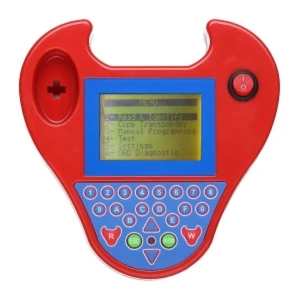
Zed Bull OBD2 Transponder-Programmiergerät mehrsprachig ohne Tokens, rot
57,12€
Nur noch 6 auf Lager
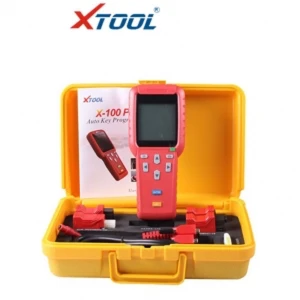
Xtool X100 Pro Schlüsselprogrammierer mit Updatefunktion und EEPROM-Adapter
273,71€
Nur noch 6 auf Lager
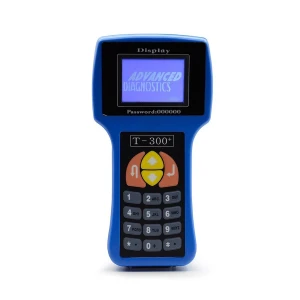
T300 Universaler Schlüsselprogrammierer V2017.17.8 - T300 Key Pro T-Code DIY
105,91€
Nur noch 1 auf Lager
Ihre zuletzt angesehenen Artikel
 New Full Version Carprog V10.05 mit 21 kompletten Adaptern für Autos
74,77€