

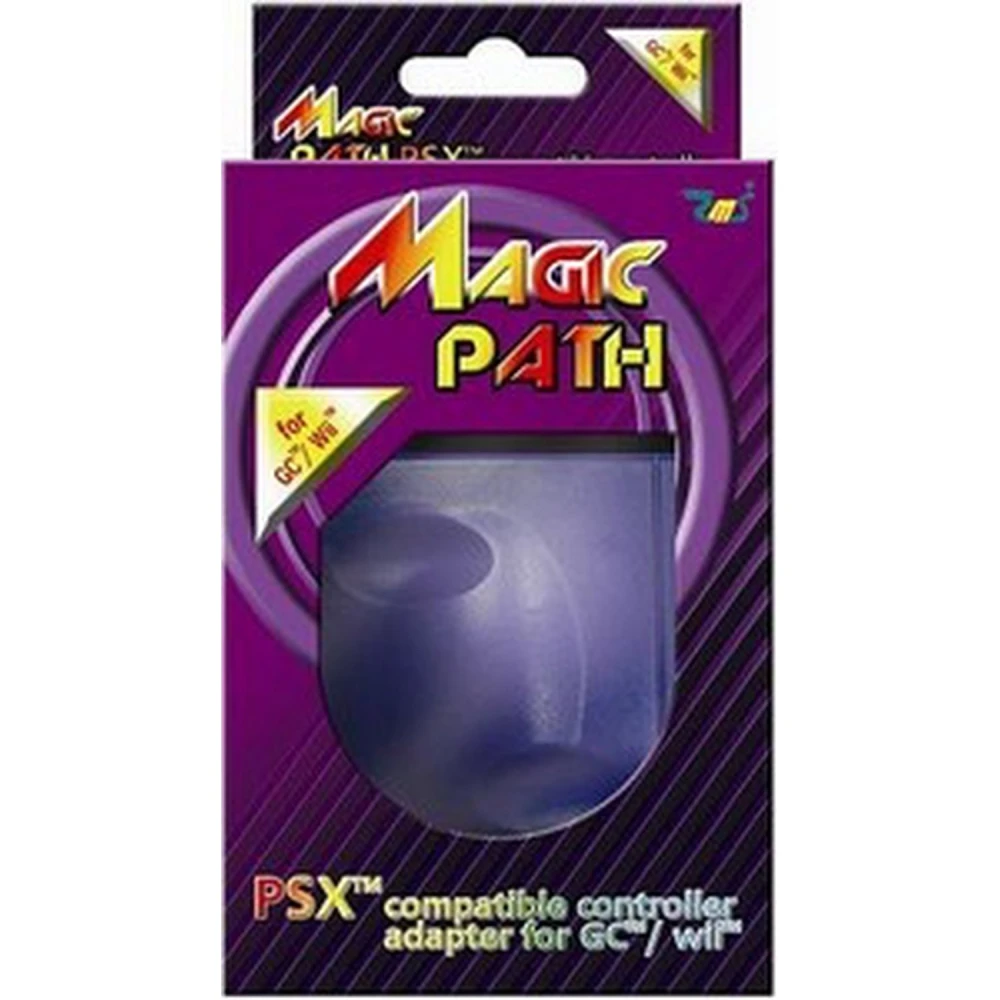
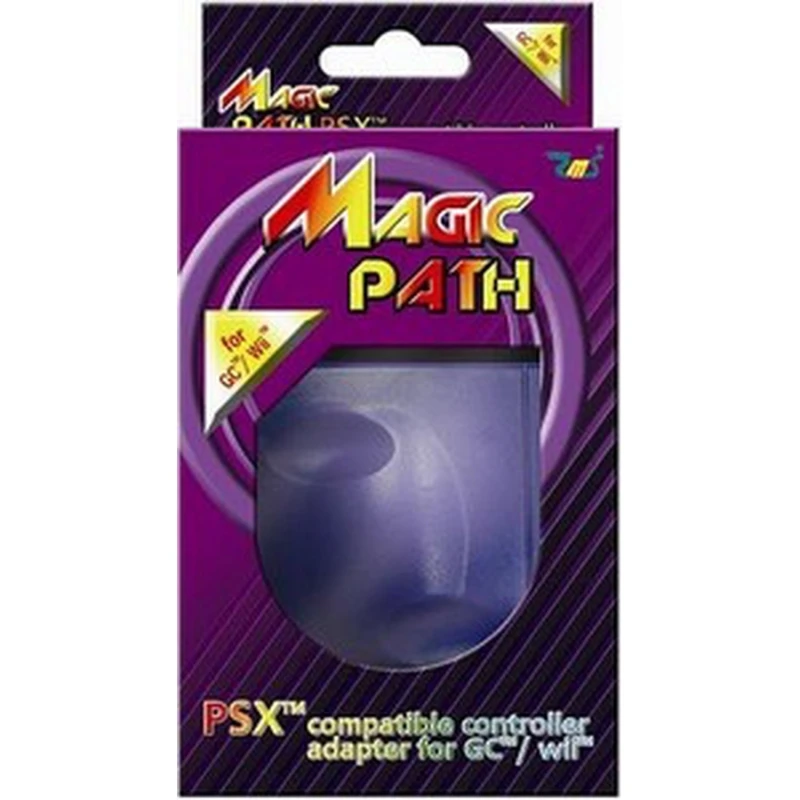
Magic Path PS2-Controller-Adapter für Wii und GameCube
Marke: satkit
Inkl. MwSt. (Exkl. MwSt.: 7,00€)


Der Magic Path PS2-Controller-Adapter für Wii und GameCube ist ein Gerät, mit dem sich mit PS und PS2 kompatible Controller an Nintendo GameCube- und Wii-Konsolen verwenden lassen. Dieser Adapter ist ideal für Spieler, die ihre PS2-Controller in kompatiblen GameCube- und Wii-Spielen nutzen möchten, und bietet eine praktische und funktionale Lösung.
Hauptmerkmale:
- Ermöglicht den Anschluss von mit PS und PS2 kompatiblen Controllern an GameCube- und Wii-Konsolen.
- Unterstützt die Vibrationsfunktion (Rumble) für ein intensiveres Spielerlebnis.
- Enthält einen programmierbaren Auto-Fire-Modus, um Dauerfeuer in Spielen zu erleichtern, die dies erfordern.
Kompatibilität und Verwendung:
- Der Adapter wird von der Konsole als GameCube-Controller erkannt.
- Auf der Wii funktioniert der über Magic Path angeschlossene Controller nur in kompatiblen GameCube-Spielen oder "klassischen" Spielen; er ist nicht mit dem Wii-Menü oder nativen Wii-Spielen kompatibel.
Gebrauchsanweisung:
- Stellen Sie sicher, dass die GameCube- oder Wii-Konsole ausgeschaltet ist.
- Schließen Sie den Magic Path Adapter an die Konsole an.
- Verbinden Sie einen kompatiblen PS- oder PS2-Controller mit dem Adapter.
- Schalten Sie die Konsole ein; der PS2-Controller ist dann einsatzbereit.
Konfiguration des Auto-Fire-Modus:
- Drücken Sie gleichzeitig die Tasten L2 + R2 + SELECT, um den Auto-Fire-Modus zu aktivieren; die LED erlischt, um anzuzeigen, dass er aktiv ist.
- Wenn die LED aus ist, drücken Sie die Taste, die Sie für Auto-Fire konfigurieren möchten.
- Die LED blinkt, um zu bestätigen, dass die Konfiguration abgeschlossen wurde.
- Um Auto-Fire für eine Taste zu deaktivieren, wiederholen Sie die vorherigen Schritte mit derselben Taste.
Dieser Adapter ist eine ausgezeichnete Wahl für alle, die die Kompatibilität ihrer PS2-Controller mit Nintendo-Konsolen erweitern möchten und dabei erweiterte Funktionen wie Vibration und Auto-Fire beibehalten wollen.
- Kompatibel mit PS- und PS2-Controllern für GameCube- und Wii-Konsolen.
- Unterstützt die Vibrationsfunktion (Rumble) für mehr Realismus.
- Enthält einen programmierbaren Auto-Fire-Modus für Dauerfeuer.
- Wird von der Konsole als GameCube-Controller erkannt.
- Funktioniert in kompatiblen GameCube-Spielen und klassischen Wii-Spielen.
Kundenfragen & Antworten
Quins avantatges ofereix l’adaptador Magic Path davant d’altres adaptadors de comandaments PS2 a GameCube/Wii pel que fa a compatibilitat i funcions?
El Magic Path destaca per suportar la funció de vibració (rumble) i el mode Auto Fire programable, a més d’oferir compatibilitat amb comandaments PS1 i PS2 en jocs de GameCube i jocs clàssics a Wii. No funciona amb el menú de Wii ni amb jocs Wii natius, cosa que és estàndard en la majoria d’adaptadors disponibles actualment.
Quines són les dimensions, el pes i els materials de construcció de l’adaptador Magic Path, i què inclou exactament la caixa?
El Magic Path sol tenir dimensions d’aproximadament 70 x 40 x 15 mm i un pes d’uns 45 g. Està fabricat principalment amb ABS d’alta resistència i connectors metàl·lics estàndard. La caixa inclou únicament l’adaptador; no es subministren cables addicionals ni manual imprès.
L’adaptador requereix alimentació addicional i és compatible amb totes les versions de consola GameCube i Wii?
No requereix alimentació externa; obté energia directament del port de la consola. És compatible amb totes les versions estàndard de GameCube i amb els models de Wii que disposen de ports per a comandaments GameCube; no funciona a Wii Mini ni a Wii U.
L’ús prolongat de l’adaptador afecta la durabilitat dels comandaments PS2 o del mateix adaptador?
No s’han documentat danys sobre comandaments de PS2 ni fallades prematures de l’adaptador en un ús típic. Els connectors estan dissenyats per suportar connexions i desconnexions freqüents (>2.000 cicles). Eviteu forçar els ports per maximitzar la vida útil.
Hi ha problemes comuns com ara falta de reconeixement del comandament o mal funcionament i com se solen resoldre?
El problema més habitual és la falta de reconeixement en connectar amb la consola encesa; això se soluciona connectant i desconnectant l’adaptador amb la consola apagada. Si el comandament no respon, verifiqueu que sigui original o compatible, i que els pins dels connectors estiguin nets i no doblegats.
What advantages does the Magic Path adapter offer over other PS2 to GameCube/Wii controller adapters in terms of compatibility and functions?
The Magic Path stands out for supporting rumble and programmable Auto Fire, as well as offering compatibility with PS1 and PS2 controllers in GameCube games and classic Wii games. It does not work with the Wii menu or native Wii games, which is standard for most adapters currently available.
What are the dimensions, weight and construction materials of the Magic Path adapter, and what exactly is included in the box?
The Magic Path usually measures approximately 70 x 40 x 15 mm and weighs around 45 g. It is mainly made from high-strength ABS and standard metal connectors. The box includes only the adapter; no extra cables or printed manual are supplied.
Does the adapter require additional power, and is it compatible with all GameCube and Wii console versions?
It does not require external power; it draws power directly from the console port. It is compatible with all standard GameCube versions and with Wii models that have GameCube controller ports; it does not work on Wii Mini or Wii U.
Does prolonged use of the adapter affect the durability of PS2 controllers or the adapter itself?
No damage to PS2 controllers or premature failure of the adapter has been documented under typical use. The connectors are designed to withstand frequent plugging and unplugging (>2,000 cycles). Avoid forcing the ports to maximise service life.
Are there common issues such as the controller not being recognised or malfunctioning, and how are they usually resolved?
The most common issue is the controller not being recognised when connected with the console switched on; this is solved by connecting and disconnecting the adapter with the console turned off. If the controller does not respond, check that it is original or compatible, and that the connector pins are clean and not bent.
Kundenbewertung schreiben
Kunden, die diesen Artikel gekauft haben, kauften auch
Ihre zuletzt angesehenen Artikel