

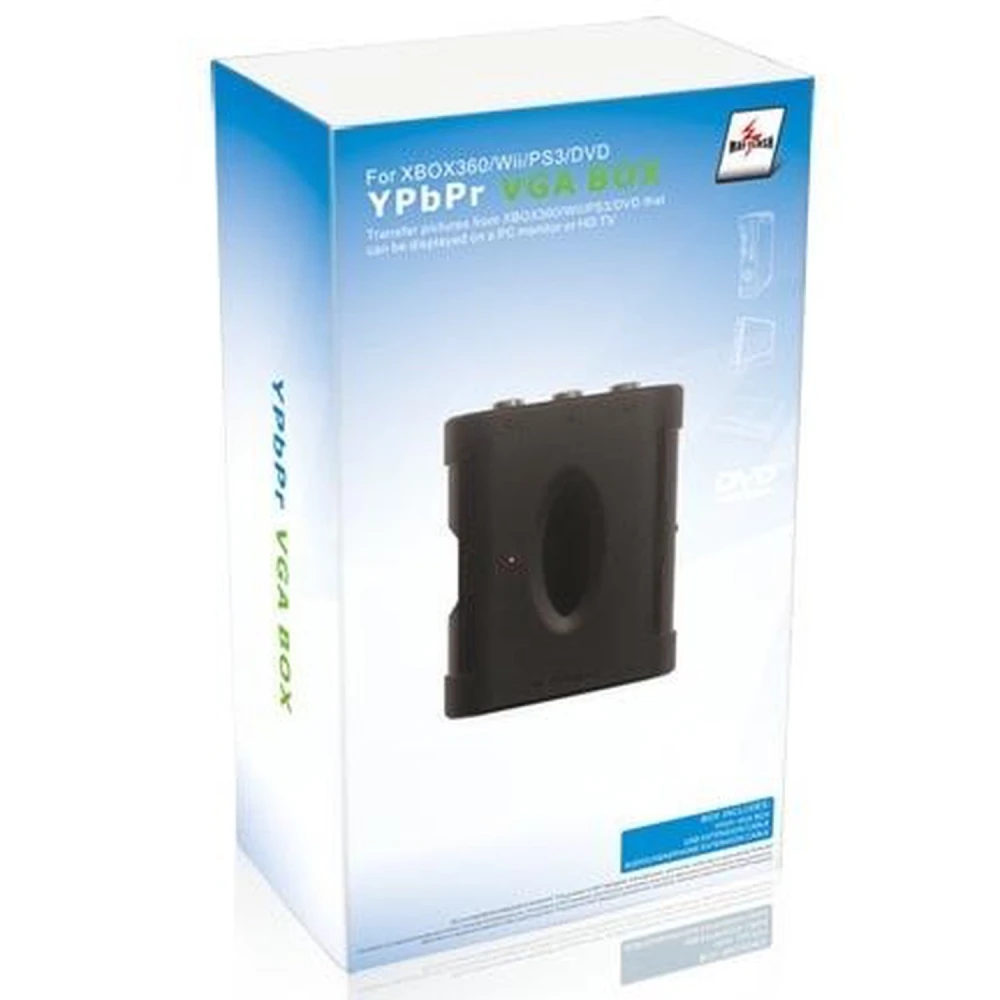

YPbPr-zu-VGA-Konverter - Komponenten-Video-Box für Konsolen und Monitore
Marke: satkit
Inkl. MwSt. (Exkl. MwSt.: 35,63€)






Der YPbPr-zu-VGA-Konverter ist ein unverzichtbares Gerät, um Konsolen und andere Geräte mit Komponenten-Videoausgang an herkömmliche VGA-Monitore anzuschließen. Diese Komponenten-Video-zu-VGA-Box bietet eine praktische und effiziente Lösung, um analoge Signale anzupassen und eine bessere Bildqualität auf kompatiblen Bildschirmen zu genießen.
Hauptmerkmale:
- Unterstützt den VGA-Eingang des PCs mit einer maximalen Auflösung von 1600 x 1200 bei 75Hz und sorgt so für ein klares und stabiles Bild.
- Kompatibel mit den Videomodi 480p, 720p, 1080i und 1080p und damit für verschiedene Ausgangsauflösungen geeignet.
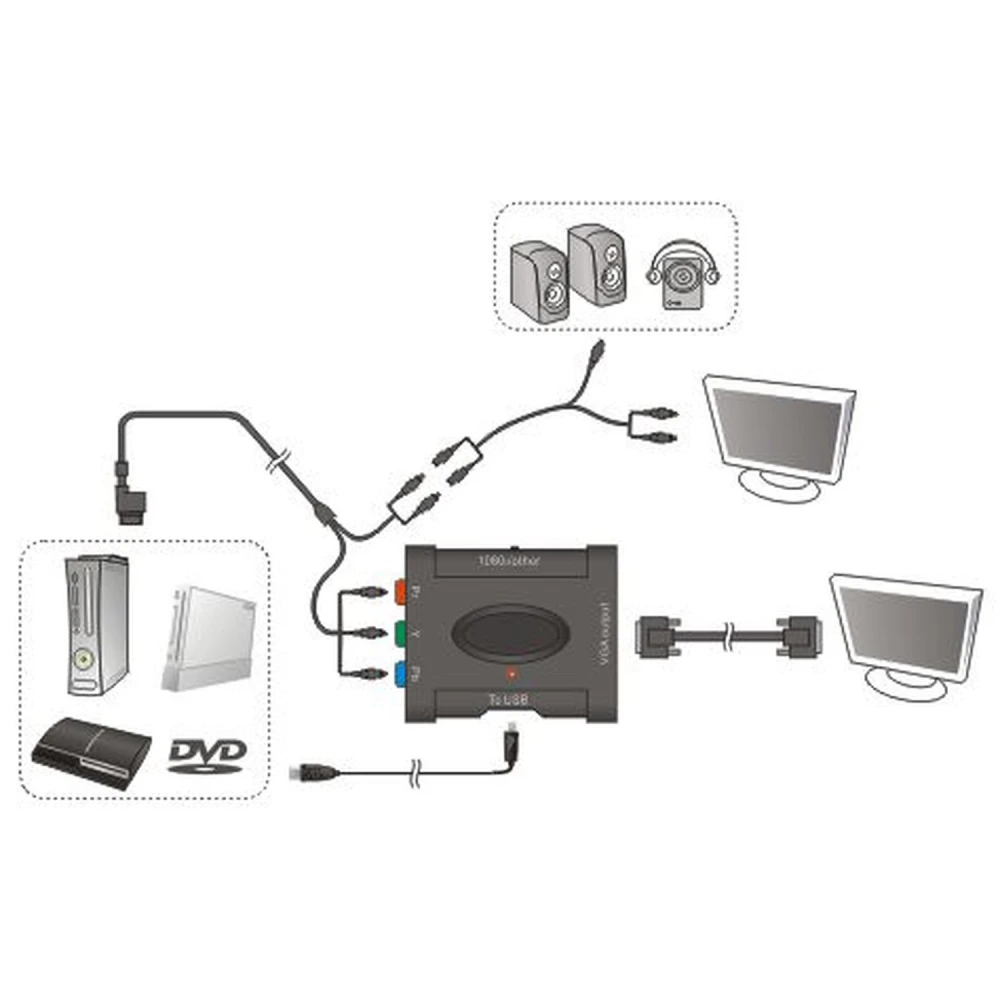
- Verfügt über einen Komponenten-Eingang (YPbPr) und passt das Ausgangssignal automatisch für HDTV, CRT- oder TFT-Monitore an.
- Low-Power-Modus für energieeffizienten Betrieb.
- Funktioniert mit TFT-, LCD-, CRT- und anderen Bildschirmtypen mit VGA-Eingang.
- Kompatibel mit Geräten mit Komponenten-Ausgang, wie Xbox, GameCube, PS2, PS3, Wii, DVD-Playern und anderen.
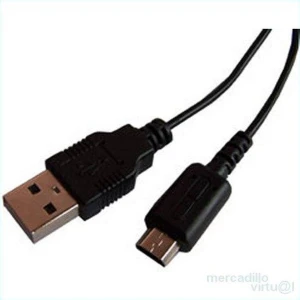
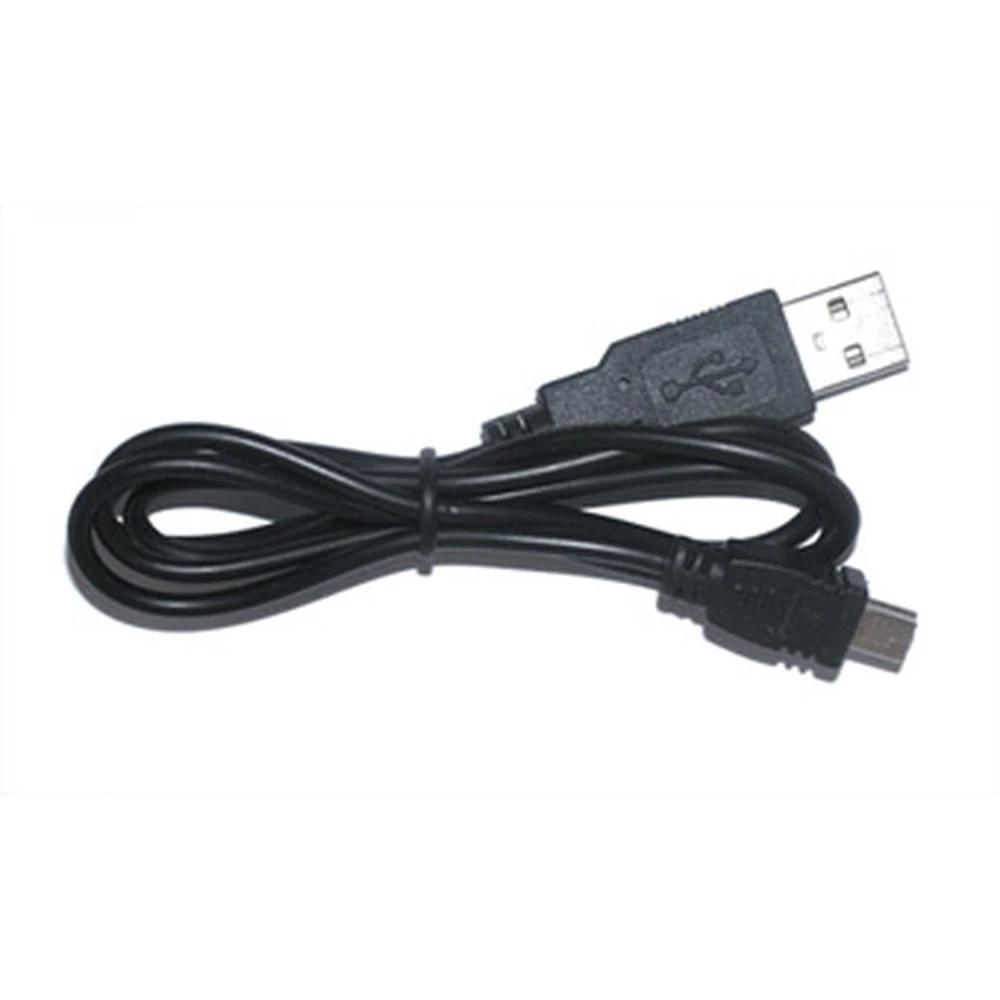
- Die Stromversorgung erfolgt über ein USB-Kabel, das direkt an die Konsole angeschlossen wird, sodass keine externen Adapter erforderlich sind.
Typische Verwendung und Kompatibilität:
Dieser Konverter ist ideal für Nutzer, die klassische oder moderne Konsolen an Monitore anschließen möchten, die nur über einen VGA-Eingang verfügen. Besonders nützlich ist er für Konsolen wie Xbox, PS2, PS3, Wii und GameCube. Bei der Wii-Konsole beträgt die maximal unterstützte Auflösung 480p.
Wichtig ist, dass dieser Adapter nur im Progressivmodus funktioniert. Bei PS2-Konsolen muss das Spiel beispielsweise den Progressivmodus unterstützen und aktivieren, damit das Bild korrekt auf dem Bildschirm angezeigt wird. Diese Voraussetzung ist entscheidend, um Anzeigeprobleme zu vermeiden.
Einschränkungen:
- Nicht kompatibel mit Systemen, die keinen Progressivmodus unterstützen.
- Das Bild wird möglicherweise nicht korrekt angezeigt, wenn der Progressivmodus auf der Konsole oder im Spiel nicht aktiviert ist.
Dieser YPbPr-zu-VGA-Konverter ist eine ausgezeichnete Wahl für alle, die eine praktische Lösung suchen, um Geräte mit Komponenten-Ausgang an ältere VGA-Monitore oder an Monitore ohne HDMI- oder Komponenten-Eingang anzuschließen.
- Unterstützt VGA-Eingang mit Auflösungen bis 1600x1200 bei 75Hz
- Kompatibel mit 480p, 720p, 1080i und 1080p
- Komponenten-Eingang YPbPr mit automatischer Anpassung für HDTV- und CRT/TFT-Monitore
- Energiesparmodus mit geringem Stromverbrauch
- Kompatibel mit Xbox, GameCube, PS2, PS3, Wii und DVD-Playern
- Stromversorgung per USB-Kabel direkt von der Konsole
- Funktioniert nur im Progressivmodus, bei PS2-Spielen muss dieser aktiviert werden
Kundenfragen & Antworten
Quina és la compatibilitat exacta de la Ypbpr Box amb consoles com PS2 i Wii, i hi ha restriccions en els modes de vídeo?
La Ypbpr Box funciona correctament amb consoles com Wii i PS2 només si la consola o el joc permeten sortida en mode progressiu (480p o superior). Per exemple, a Wii la resolució màxima admesa és 480p i, en el cas de PS2, només és compatible si el joc actiu admet el mode progressiu i està habilitat dins de les opcions del mateix joc. No es recomana per a títols o sistemes que funcionen únicament en entrellaçat (i).
Quines resolucions i freqüències admet exactament la sortida VGA quan s’utilitza la Ypbpr Box?
La sortida VGA de la Ypbpr Box admet resolucions de fins a 1600 x 1200 píxels a 75 Hz, adaptant-se també a modes estàndard com 480p, 720p, 1080i i 1080p segons la font d’entrada. Tanmateix, la qualitat i la freqüència final depenen tant del senyal entrant com de la capacitat del monitor connectat, i pot requerir ajust manual de la resolució a la pantalla.
Hi ha requisits o limitacions pel que fa a cables i connectors per a la instal·lació?
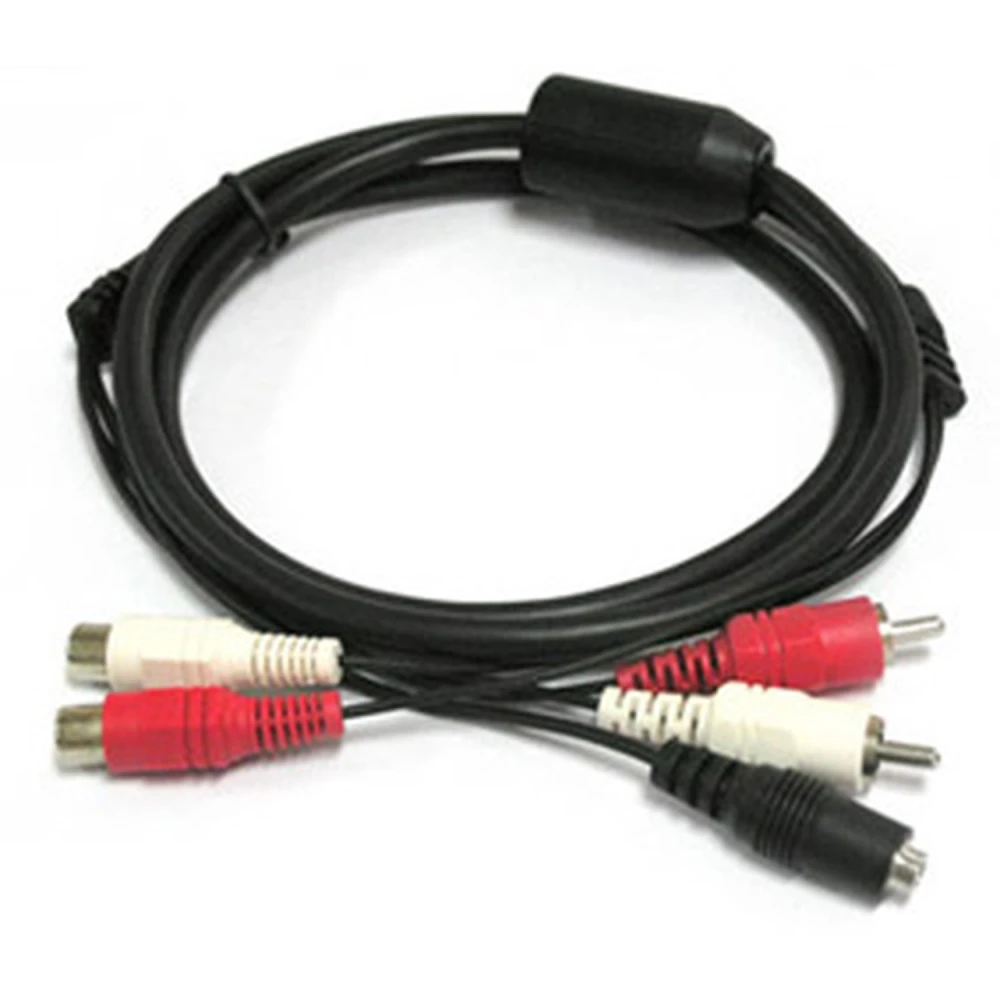
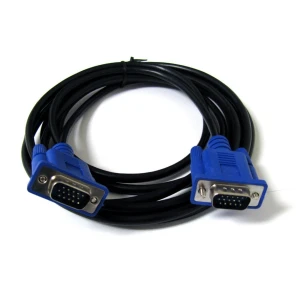
Sí, la Ypbpr Box requereix cables RCA de vídeo per components (Y, Pb, Pr) a l’entrada i un cable VGA estàndard (DB15) per a la sortida cap al monitor. A més, cal un cable USB per a l’alimentació. És important assegurar-se que tots els cables siguin de qualitat adequada per evitar pèrdues de senyal, especialment a altes resolucions.
Quins són els problemes més freqüents en instal·lar aquest convertidor i com es poden resoldre?
Entre els problemes habituals hi ha l’absència de senyal en monitors no compatibles amb el mode progressiu, imatges distorsionades per configuracions errònies de resolució i manca d’alimentació si el port USB no subministra corrent adequat. La solució sol passar per verificar que la consola i el monitor admeten el mode progressiu, ajustar la resolució des del dispositiu font i fer servir un port USB de 5 V funcional.
What is the exact compatibility of the Ypbpr Box with consoles such as PS2 and Wii, and are there restrictions in video modes?
The Ypbpr Box works correctly with consoles such as Wii and PS2 only if the console or game supports progressive output (480p or above). For example, on Wii the maximum supported resolution is 480p, and on PS2 it is only compatible if the active game supports progressive mode and it is enabled in the game’s own options. It is not recommended for titles or systems that operate only in interlaced (i) mode.
What resolutions and frequencies does the VGA output support exactly when using the Ypbpr Box?
The Ypbpr Box’s VGA output supports resolutions up to 1600 x 1200 pixels at 75 Hz, and also adapts to standard modes such as 480p, 720p, 1080i and 1080p depending on the input source. However, the final quality and frequency depend on both the incoming signal and the capability of the connected monitor, and manual resolution adjustment on the display may be required.
Are there any requirements or limitations regarding cables and connectors for installation?
Yes. The Ypbpr Box requires RCA component video cables (Y, Pb, Pr) for the input and a standard VGA cable (DB15) for output to the monitor. A USB cable is also required for power. It is important to ensure that all cables are of suitable quality to avoid signal loss, especially at high resolutions.
What are the most common problems when installing this converter, and how can they be solved?
Common issues include no signal on monitors that are not compatible with progressive mode, distorted images due to incorrect resolution settings, and lack of power if the USB port does not supply sufficient current. The solution is usually to check that the console and monitor support progressive mode, adjust the resolution from the source device, and use a working 5 V USB port.
What is the exact compatibility of the Ypbpr Box with consoles such as PS2 and Wii, and are there restrictions on video modes?
The Ypbpr Box works correctly with consoles such as Wii and PS2 only if the console or game allows output in progressive mode (480p or above). For example, on Wii the maximum supported resolution is 480p and, in the case of PS2, it is only compatible if the active game supports progressive mode and it is enabled in the game’s own options. It is not recommended for titles or systems that operate only in interlaced (i) mode.
What resolutions and frequencies does the VGA output support exactly when using the Ypbpr Box?
The VGA output of the Ypbpr Box supports resolutions of up to 1600 x 1200 pixels at 75 Hz, and also adapts to standard modes such as 480p, 720p, 1080i and 1080p depending on the input source. However, the final quality and frequency depend on both the incoming signal and the capability of the connected monitor, and manual resolution adjustment on the display may be required.
Kundenbewertung schreiben
Kunden, die diesen Artikel gekauft haben, kauften auch


Ihre zuletzt angesehenen Artikel